Wall Worm

Wall Worm is a gaming and design group focused on developing content for the Source Game Engine. Headed by Shawn Olson, the group consists of various creative people across the globe.
What's on my mind...
VMAP Exporter
The Wall Worm Level Exporter can export 3ds Max scenes into Source 2 VMAP files.
PBR Material Support
PBR Material support in Wall Worm.
Source 2 FGD Parser
The FGD parser in Wall Worm supports Counter-Strike 2 to create game entities inside 3ds Max.
VMDL Exporter
Exporting VMDL files from 3ds Max into Counter-Strike 2.
Using Legacy CS:GO with Wall Worm
How to revive a project started in CS:GO after the update to Source 2 in Counter-Strike 2.
Instructions on using Wall Worm Projects configured for Counter-Strike: Global Offensive after the release of Counter-Strike 2 on the Source 2 engine.
Missing Icons and Functions in 3ds Max 2022
Since version 5.9.3 Wall Worm requires 3ds Max 2022.3+ for the 2022 versions of Max.
How to fix icons and menus missing for Wall Worm in some versions of 3ds Max 2022.
Error Code 126
Startup Error Loading Wall Worm
Solution to a startup error and VTF bitmaps not loading in 3ds Max.
Archive of Wall Worm Version 4 Changelog
Archive of Changelog early 2019 to early 2020
Archive of Wall Worm Version 4.X changelog in early 2019 through early 2020.
Tutorial: Nuclear Cooling Towers
How to create nuclear cooling towers with Displacements
Tutorial on creating nuclear cooling towers as displacements for the Source Engine.
A Decade of Wall Worm

Wall Worm turned 10 years old in 2020. Here is a little status update.
[FIXED] Blend Materials Crashing 3ds Max 2021
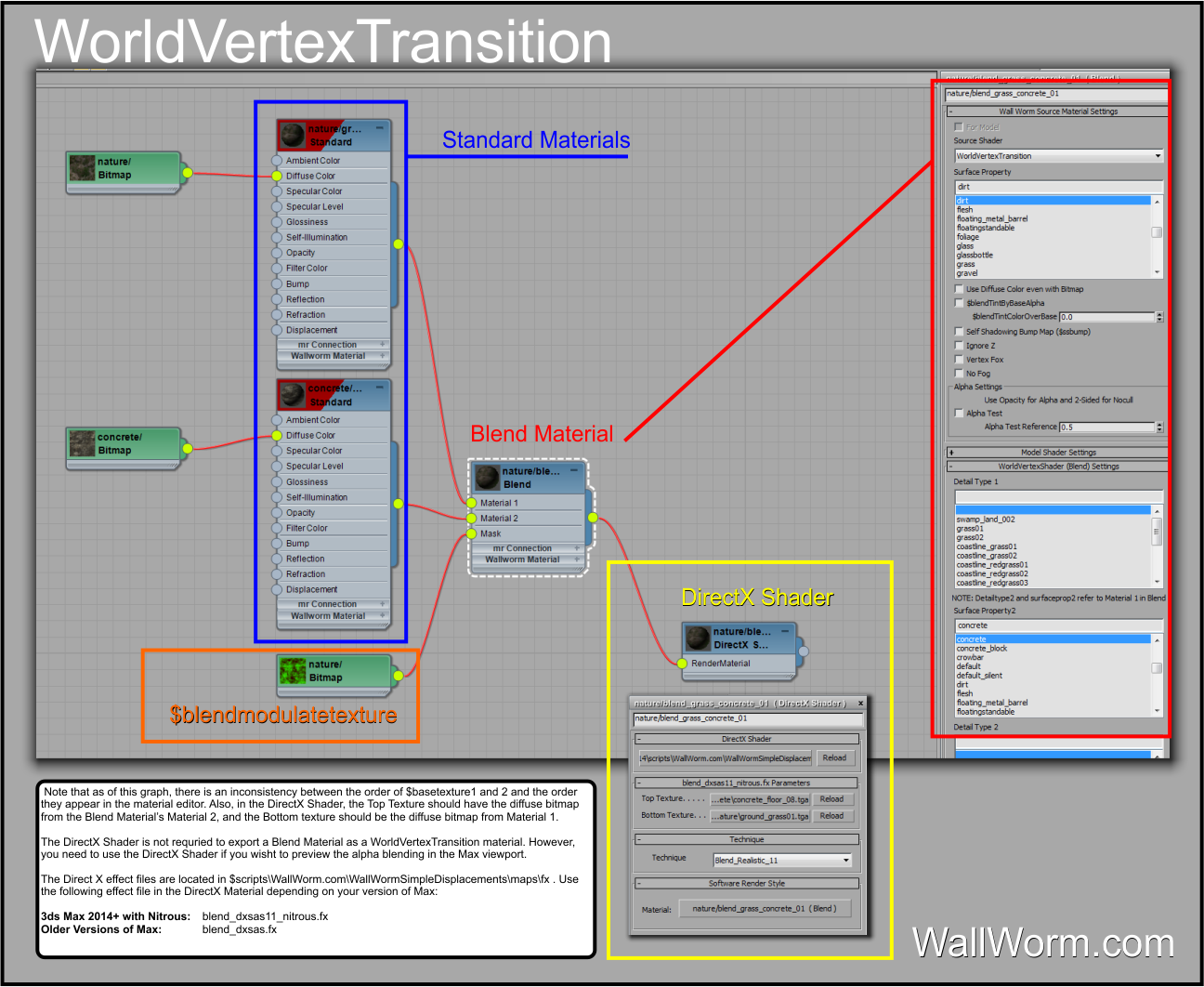
Many DirectX shaders are crashing 3ds Max 2021, including the Wall Worm Blend Materials
There is a regression in 3ds Max 2021 that causes Max to crash when using Wall Worm's DirectX shaders for displacements.
Archive of Wall Worm Version 3 Changelog
Archive of Changelog early 2017 to early 2019
Archive of Wall Worm Version 3.X changelog in early 2017 through early 2019.
Converting Displacements to Models
Steps on converting a collection of displacements to props.
Starter Kits
Source Engine level design starter kits will automate some entity setups for common level design tasks.
Wall Worm 4, 3ds Max 2020 and Black Mesa News

Wall Worm 4.0 Released and other news about 3ds Max.
3ds Max 2020
Wall Worm plugins available for 3ds Max 2020.
Wall Worm Toolbars





Wall Worm Toolbars available for 3ds Max 2017+.
VMT Browser


The VMT Browser in Wall Worm allows you to browse, preview and assign materials from your game.
Visgroup Manager

The Visgroup Manager in Wall Worm allows you to arbitrarily show/hide objects in your scene.
Scene Management
Topics related to scene management tools in 3ds Max and Wall Worm.