Wall Worm Anvil
Formerly called Wall Worm Displacement Tool
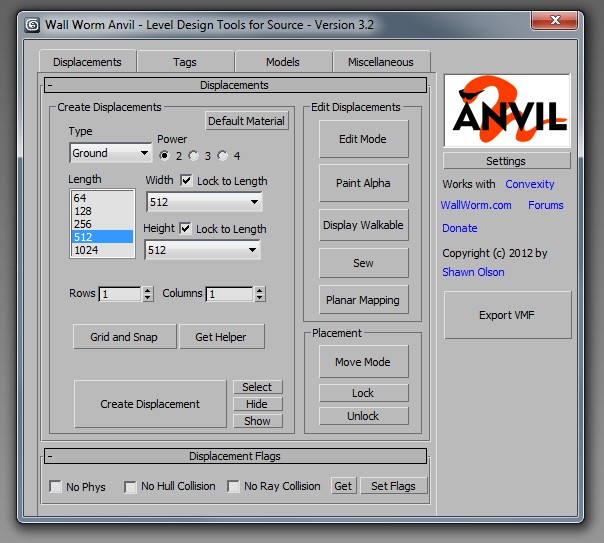
Anvil is a set of Level Design Tools that help you get your 3ds Max scene into the Source Game Engine. The main features of Anvil are:
- Tools to create Displacements
- Tools to tag geometry as world (brush) geometry
- Tools to tag objects as belonging to the 3D Skybox
- VMF Exporter
Latest Articles
Tutorial: Nuclear Cooling Towers
How to create nuclear cooling towers with Displacements
Tutorial on creating nuclear cooling towers as displacements for the Source Engine.
Converting Displacements to Models
Steps on converting a collection of displacements to props.
Displacement Proxies
Displacement Proxies allow teams to work more efficiently with displacements in multiple files.
Nudge Tools
Nudge Tools in Wall Worm
VBSP.exe has stopped working
VBSP can crash if there are no entities or world geometry in your scene.
DX Display Shaders
Information on the DX shaders used by Wall Worm.
Porting Levels into Source
General Overview of Converting Scenes that Were Not Designed with Source in Mind
Overview on porting scenes and levels from other sources.
Displacements Fail to Export

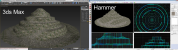
Some tips on troubleshooting displacements failing to export from Max into Source.
Displacement edge abutting other edges
Help understanding the VBSP compile warning about displacement edge abutting other edges.
Displacement Alpha Blending
Information on displacement alpha blending and the shaders you can use to visualize the blending.